
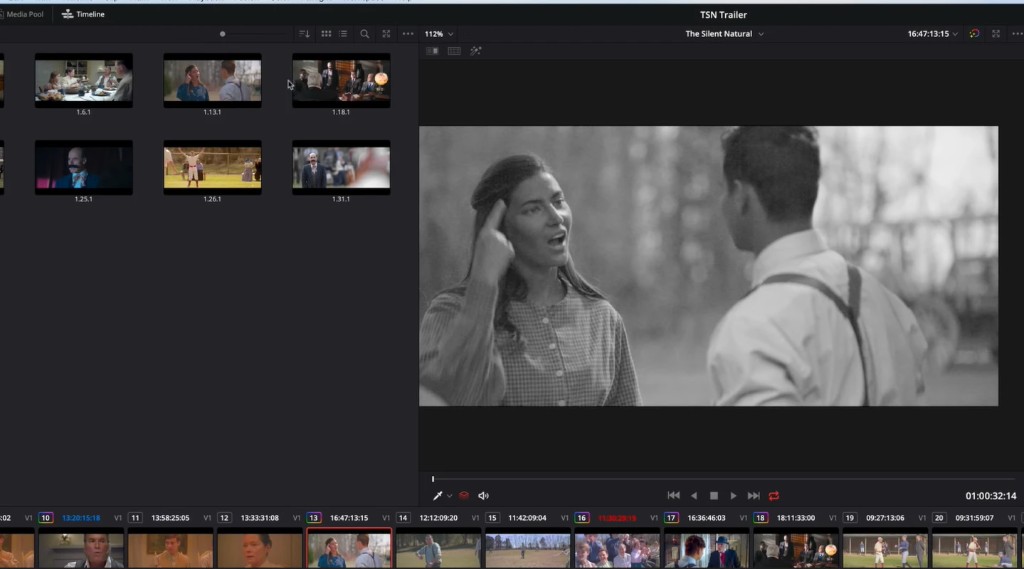
Source Tape
DaVinci Resolve 21 · Free download
DaVinci Resolve combines Cut and Edit timelines, Hollywood color tools, Fusion VFX, Fairlight audio, and a new Photo page. Confirm the Windows build, size, and hash, then download safely from this hub.
Version 21.0.4.5 · 3.45 GB ZIP · Windows 10 / 11
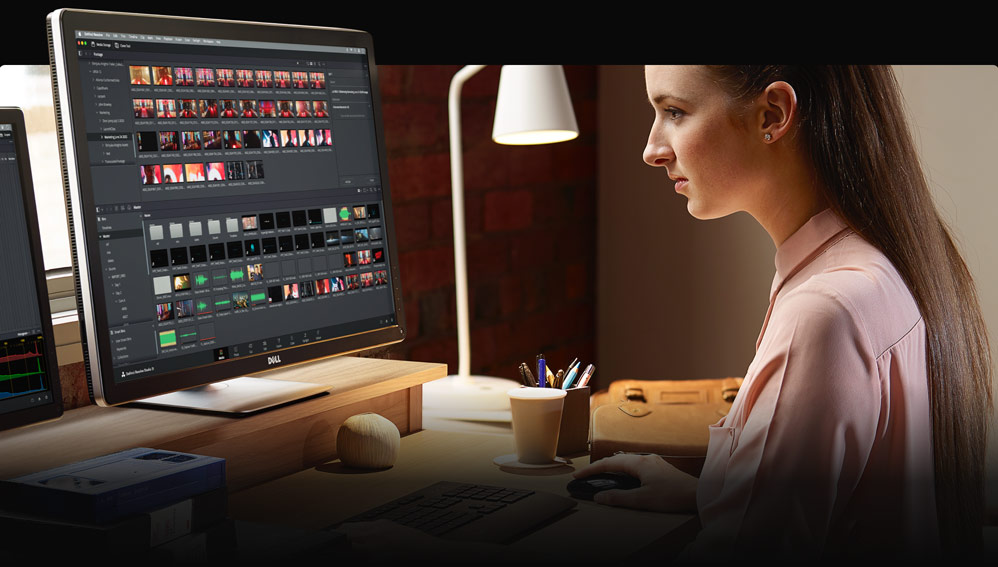
DaVinci Resolve is Blackmagic Design’s all-in-one post application for editing, color correction, visual effects, motion graphics, audio post production, and now still photography. You stay on camera-original quality media and move between dedicated pages instead of exporting between separate apps.
Feature films and television shows rely on its Emmy award-winning image pipeline with 32-bit float processing, YRGB color science, and Fairlight audio. Learning Resolve means learning the same page layout used in professional finishing rooms.
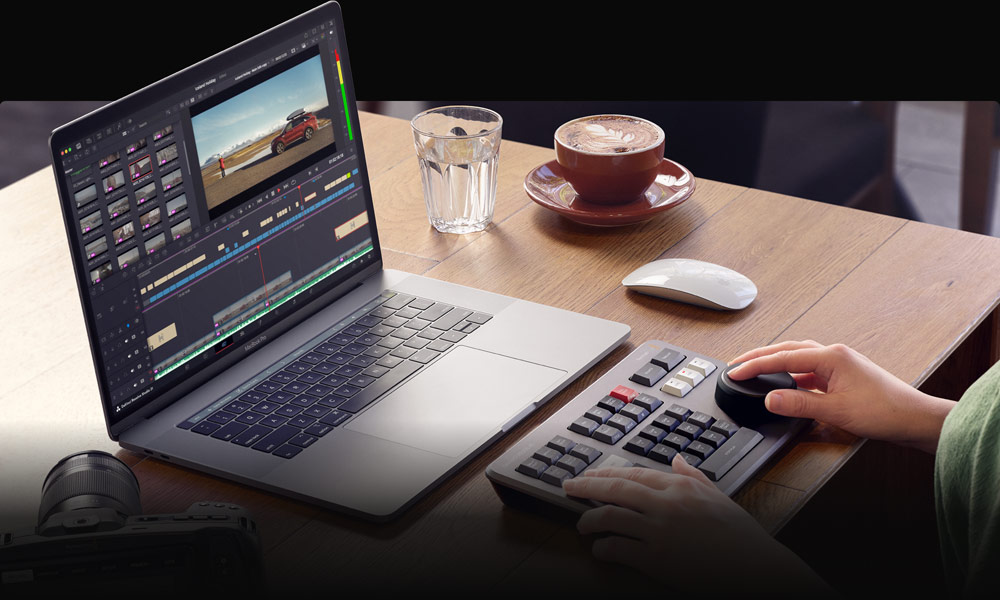
Source Tape
Source Overwrite
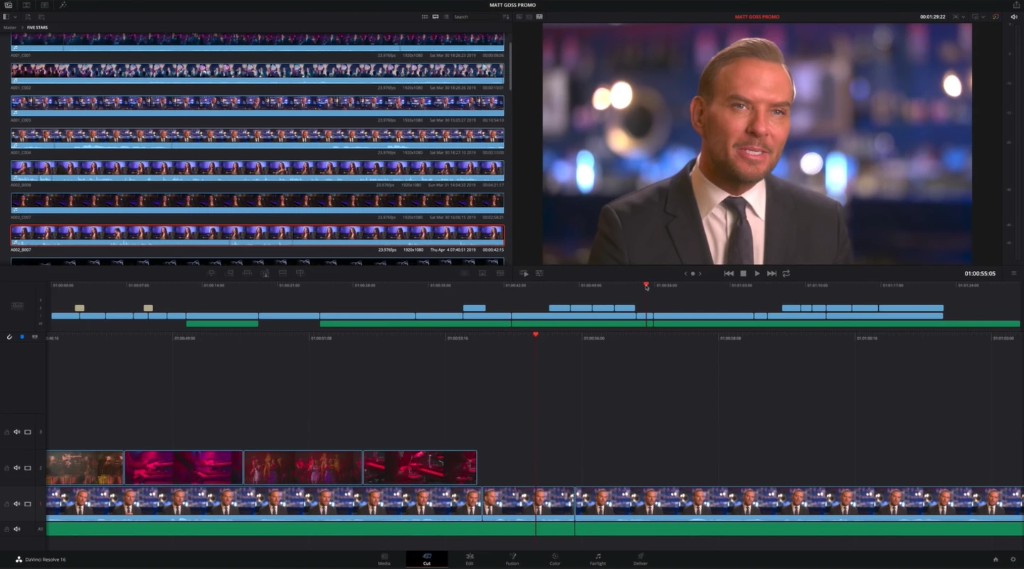
Fast Review
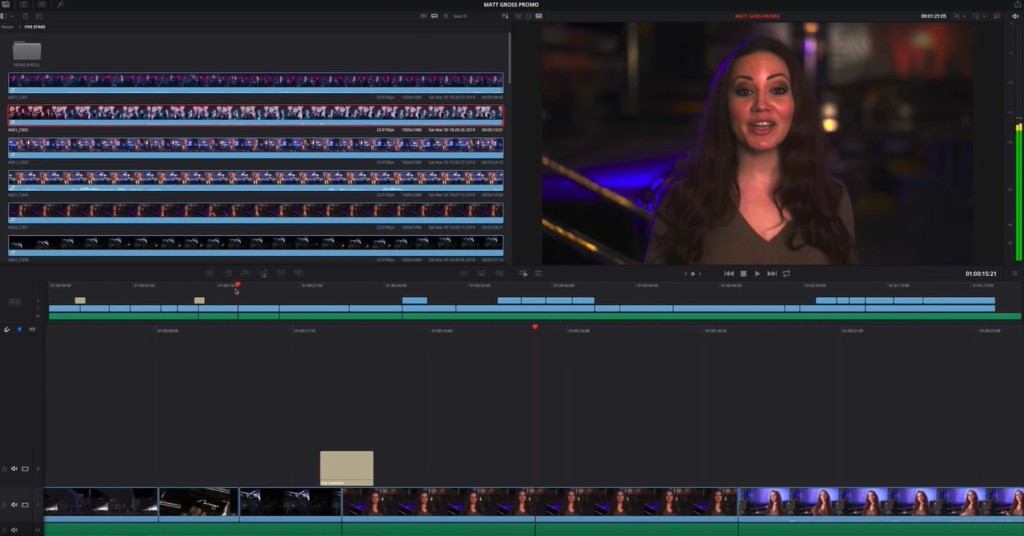
Dual Timelines
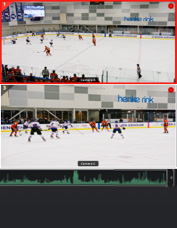
Multicam Editing
Designed for editors to turn around work fast!
The Cut page is built for speed: source tape, dual timelines, sync bin, source overwrite, and multicam tools that keep the cut moving. Ideal for social, promo, and live-to-tape finishes when every click should advance the edit. Learn More
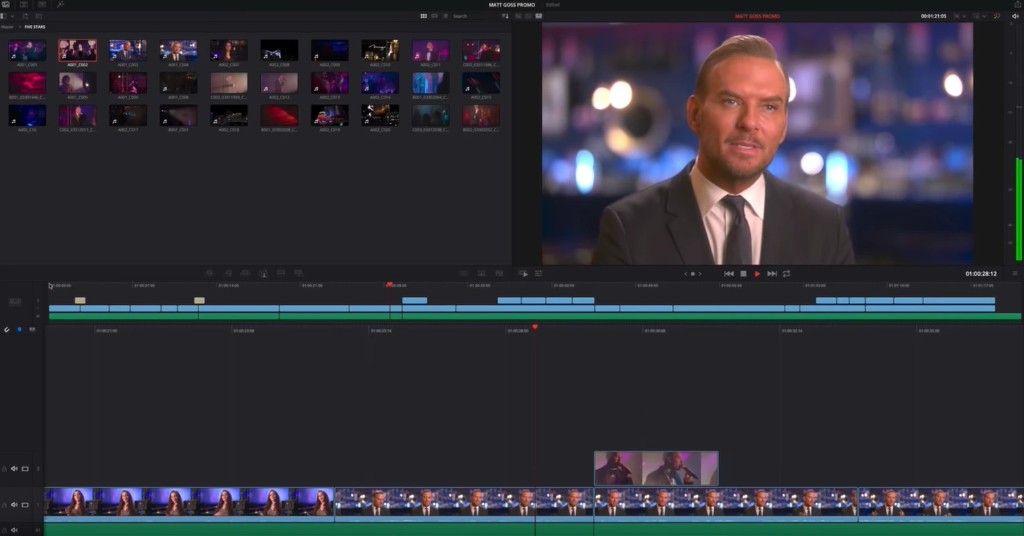
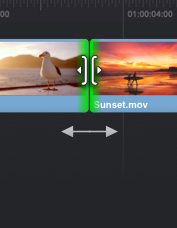
Vertical Timeline Editing
Robust Proxy Editing
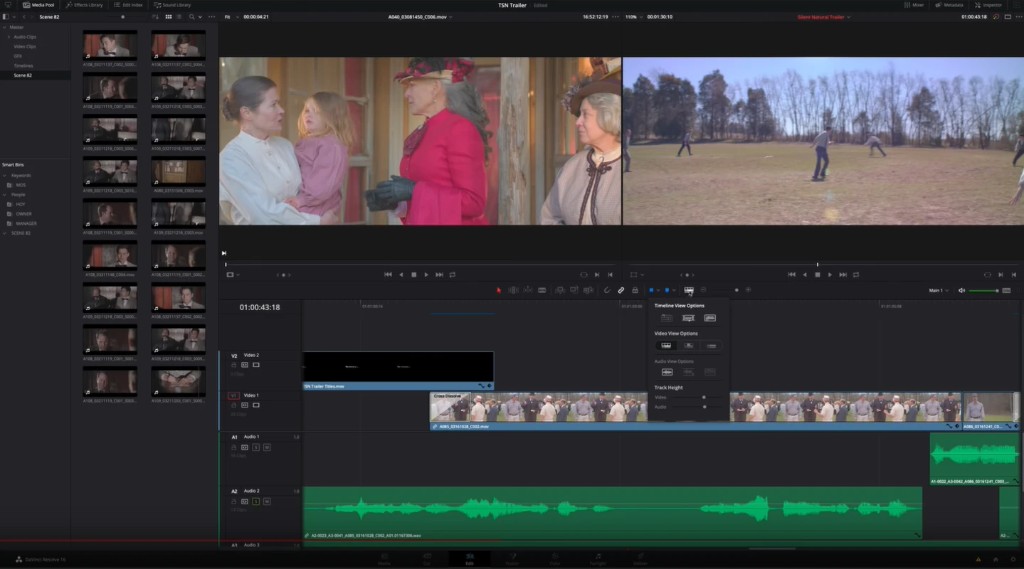
Dual Viewers
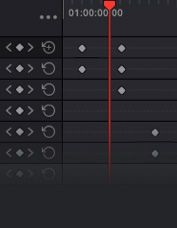
Keyframe Editor
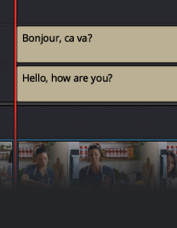
Subtitles & Captions
Professional NLE tools for long-form finishing!
Edit brings traditional track layouts, context-sensitive trimming, customizable shortcuts, titles, transitions, effects, proxy workflows, and closed captions. Built for features, series, commercials, and documentary timelines. Learn More
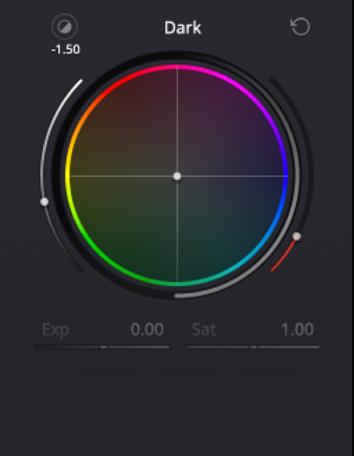
HDR Color Wheels
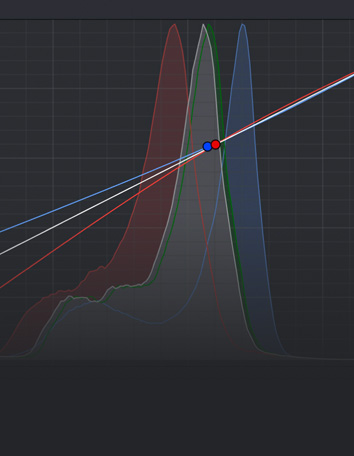
Custom Curves
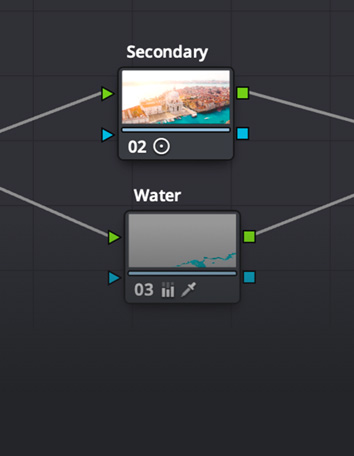
Node Editor
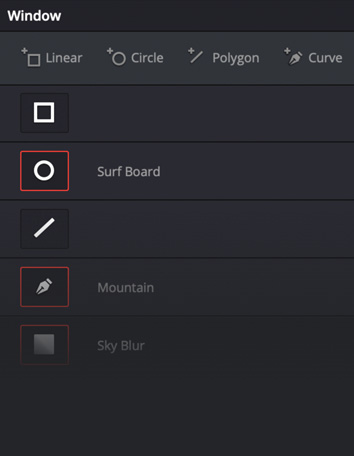
Power Windows
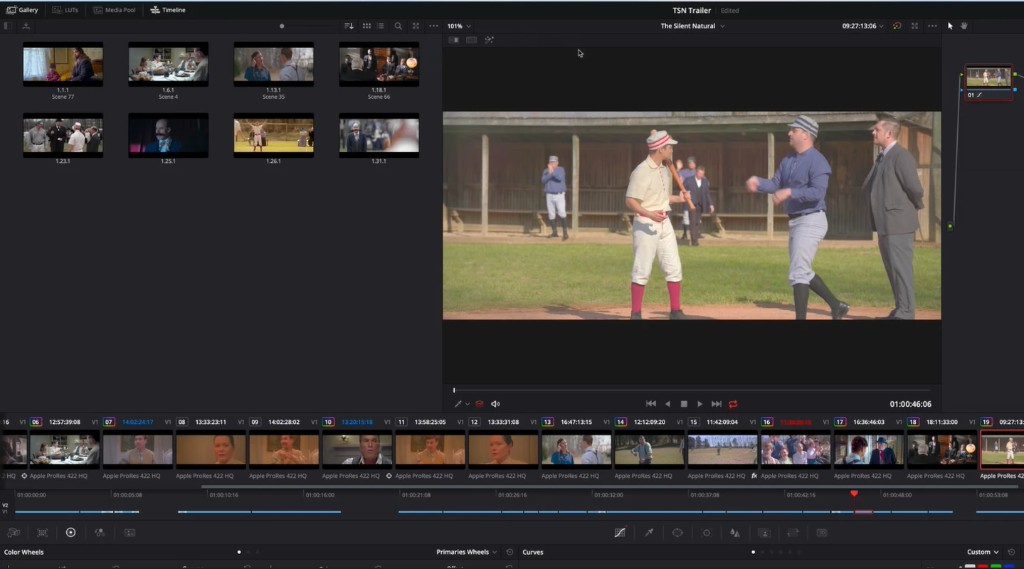
Resolve FX
Hollywood’s favorite color corrector!
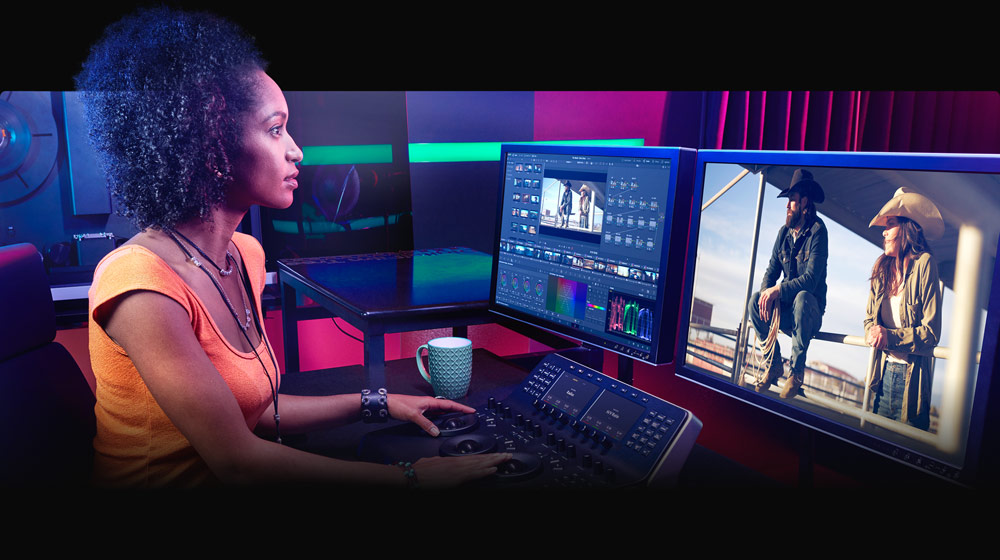
Primary and secondary grading with HDR wheels, custom curves, node graphs, Power Windows, qualifiers, tracking, and Resolve FX. Resolve 21 adds MultiMaster trim passes, layer list node graphs, and group versions for finishing rooms. Learn More
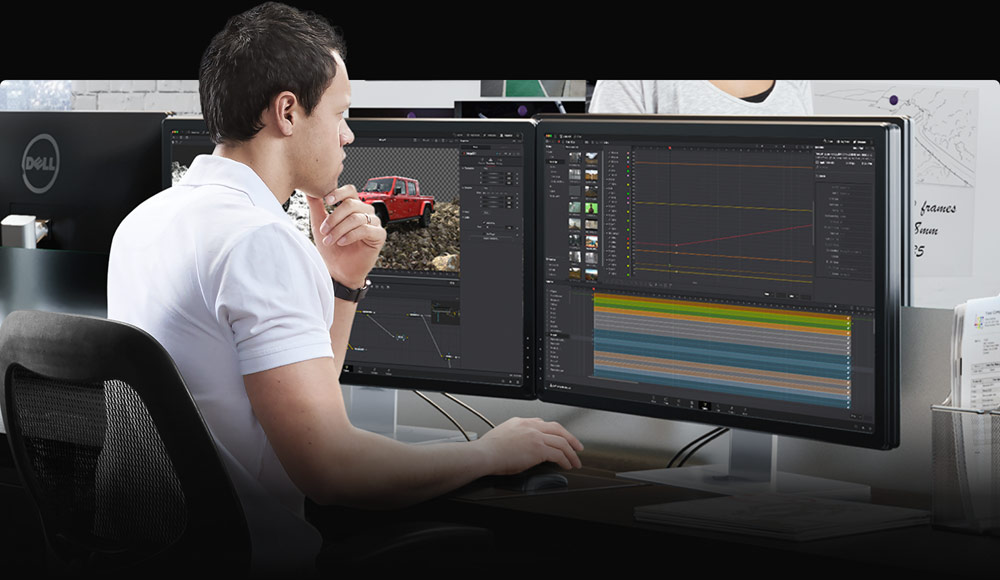
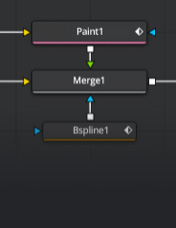
Working with Nodes
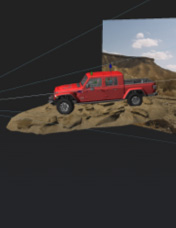
True 3D Workspace
Animate 2D and 3D Titles
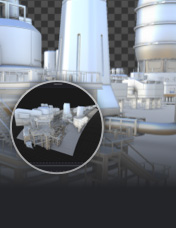
Deep Pixel Compositing
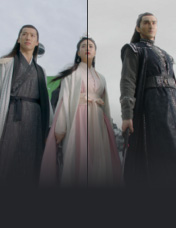
Virtual Set Extensions
Cinematic quality visual effects and motion graphics!
Node-based VFX and motion graphics with 2D/3D tools, animation curves, tracking, rotoscoping, keying, particles, and deep pixel compositing. Resolve 21 adds the Krokodove toolset with dozens of new graphics nodes. Learn More
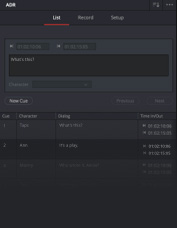
Professional ADR toolset
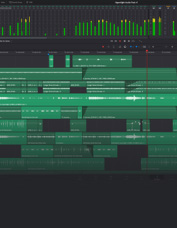
Mix 2,000 Tracks in Real Time
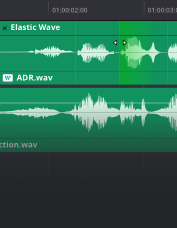
Elastic Wave Retiming
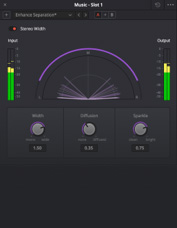
Fairlight FX and Plugins
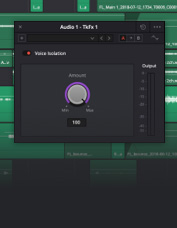
Voice Isolation
Professional tools designed for audio post production
Fairlight Audio Core handles large track counts with realtime FX, EQ, and dynamics. ADR, Foley, Elastic Wave, Voice Isolation, IntelliTrack AI panning, and immersive formats stay inside the same Resolve project. Learn More
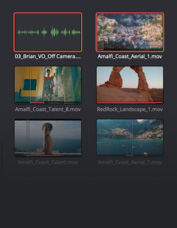
Automatic A/V Syncing
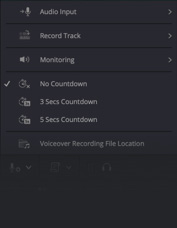
Smart Metadata Management
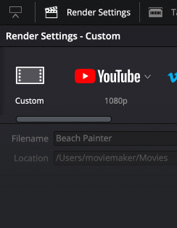
Render Options
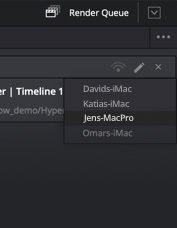
Remote Rendering
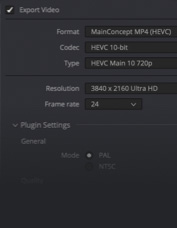
Workflow Plugins
Incredibly wide format support, finishing and mastering!
Media page ingest, clone palette backups, sync, bins, and metadata. Deliver page encode control, render queue, remote rendering, and quick export paths used during finishing. Learn More

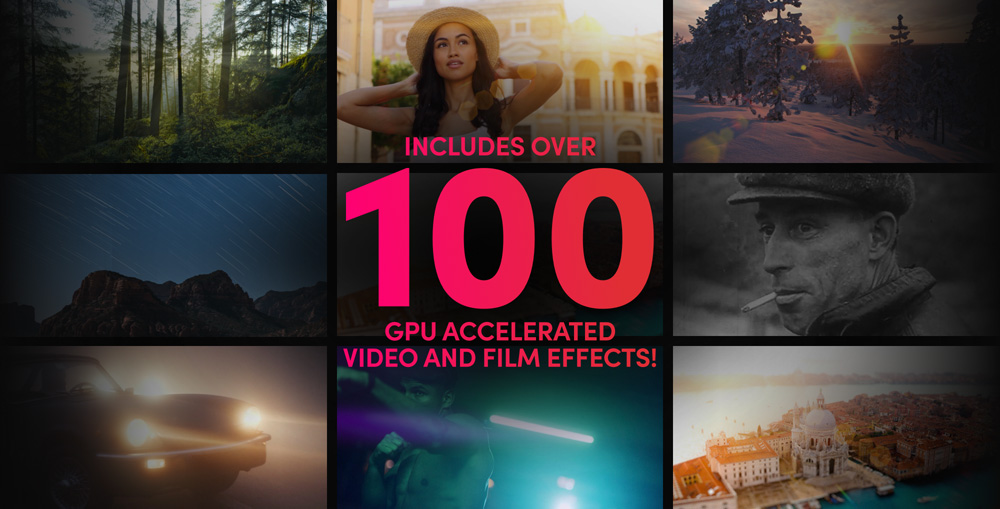
Includes over 100 GPU accelerated video and film effects!
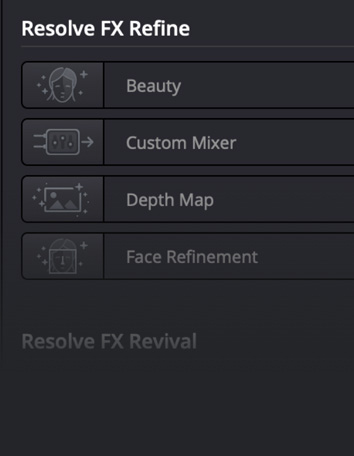
DaVinci Resolve Studio includes over 100 GPU and CPU accelerated Resolve FX for blur, light, noise, restoration, lens flare, stylize, and more. Resolve 21 adds UltraSharpen plus refined face and skin tools for finishing work.
Effects stay project-native with sub-pixel animation and directional blur controls, so the same looks travel across Cut, Edit, Fusion, and Color without bouncing between apps.
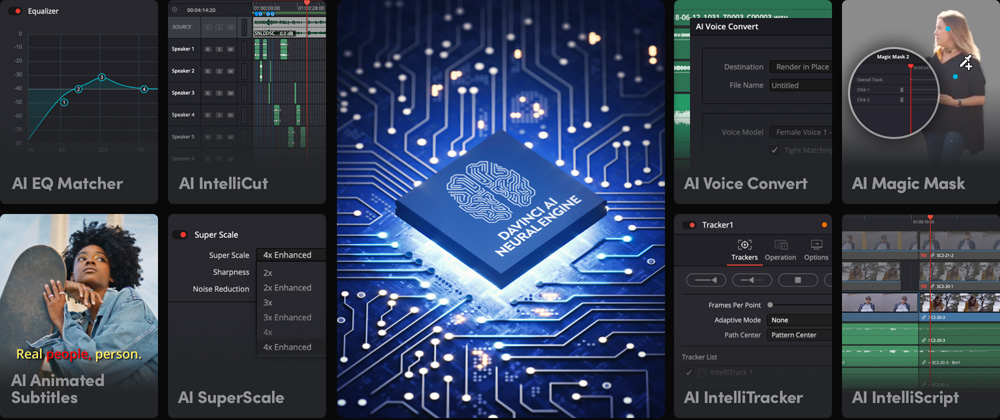
The DaVinci AI Neural Engine uses state of the art deep neural networks and machine learning, along with artificial intelligence to power features such as facial recognition, object detection, smart reframing, speed warp retiming, super scale, auto color and color matching and more! The DaVinci AI Neural Engine is entirely cross platform, using the latest GPU innovations for AI and deep learning to provide unparalleled performance and quality.
The DaVinci AI Neural Engine provides simple tools to solve complex, repetitive and time consuming problems. For example, it enables facial recognition to sort and organize clips into bins based on people in the shot, to reframe shots and more.
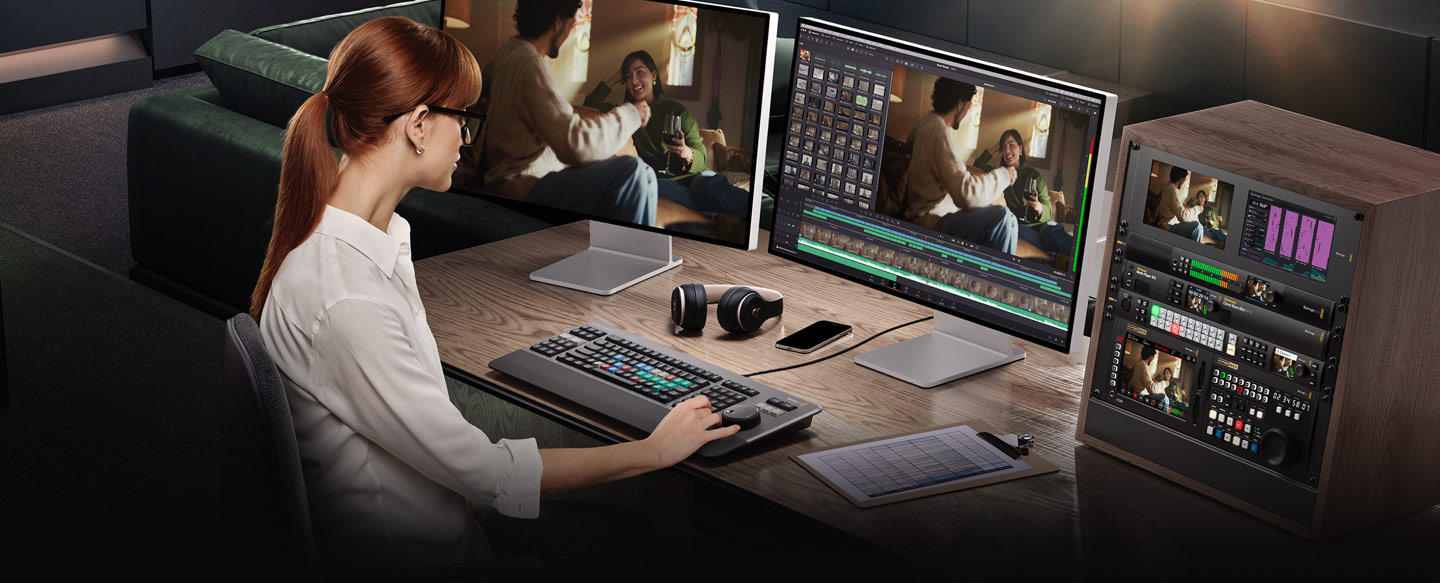
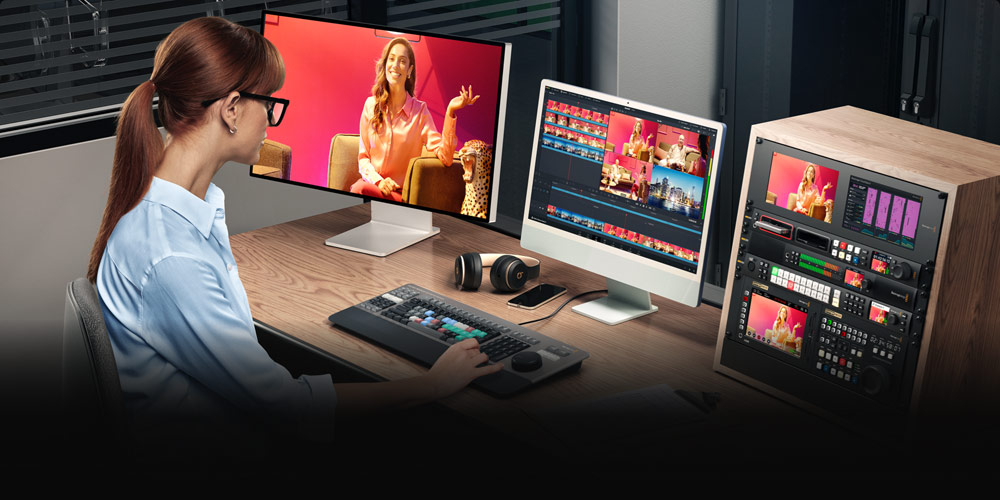
DaVinci Resolve keyboards have been designed to edit much faster than a mouse because you can use both hands at the same time! The DaVinci Speed Editor features dedicated edit function keys and high quality search dial with transport controls. You can use the search dial and source tape buttons with your right hand to locate shots, while simultaneously marking in and out points, performing edits and live trimming.
The DaVinci Resolve Replay Editor builds on these controls adding live to air camera selection and slow motion replay with stingers. The DaVinci Resolve Editor Keyboard adds a QWERTY keyboard with color coded shortcut keycaps, designed for editors who spend hours each day editing. Learn More

DaVinci Resolve Speed Editor – $435

DaVinci Resolve Replay Editor – $559

DaVinci Resolve Editor Keyboard – $669
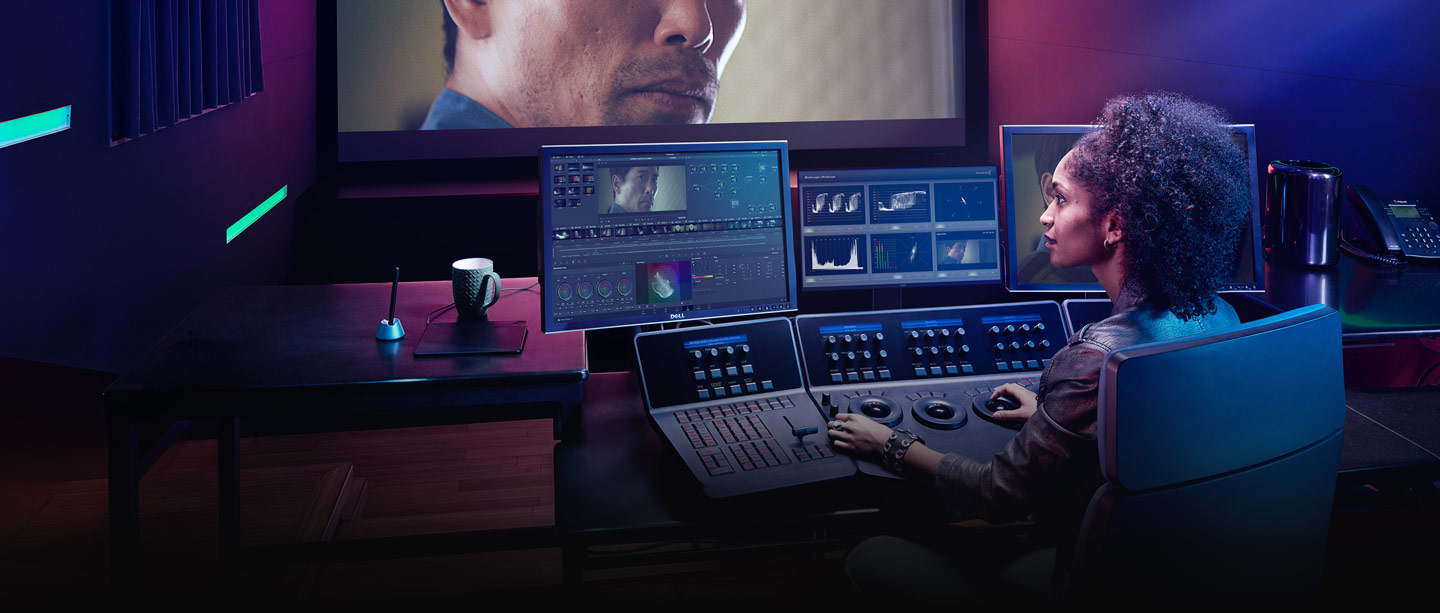
DaVinci Resolve color panels let you adjust multiple parameters at once so you can create unique looks that are impossible with a mouse and keyboard. The incredibly small DaVinci Resolve Micro Color Panel is great for new colorists just getting started or anyone that needs a portable panel. It features 3 high quality trackballs, knobs for primary grading controls and buttons for accessing additional tools.
The DaVinci Resolve Mini Panel features additional controls and screens for accessing virtually all palettes and tools. For the ultimate control, the DaVinci Resolve Advanced Panel gives high end professional colorists access to every single feature and command mapped to a specific button. Learn More
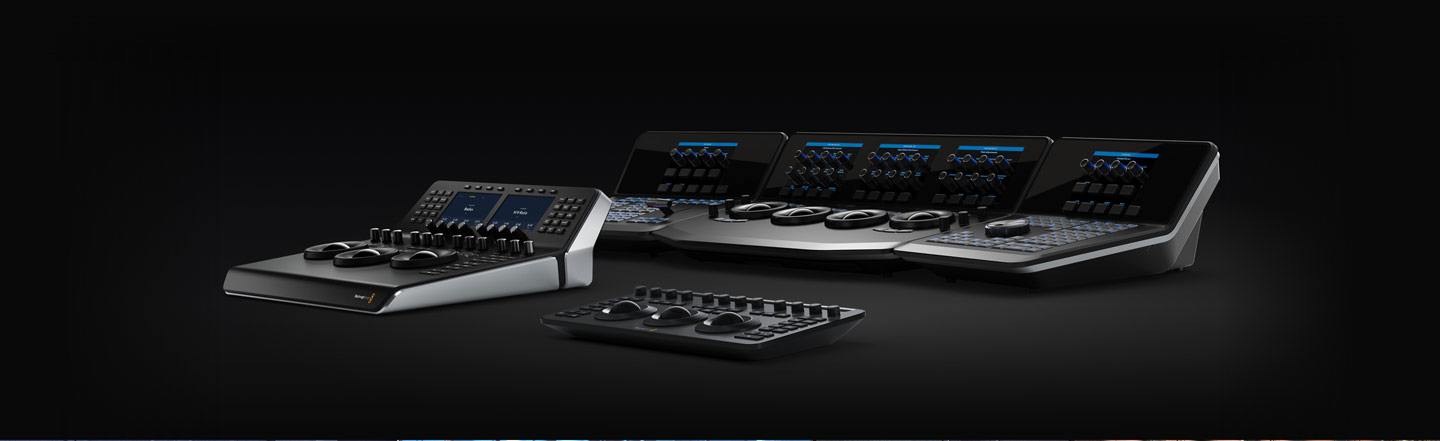
DaVinci Resolve Mini Panel
DaVinci Resolve Micro Color Panel
DaVinci Resolve Advanced Panel
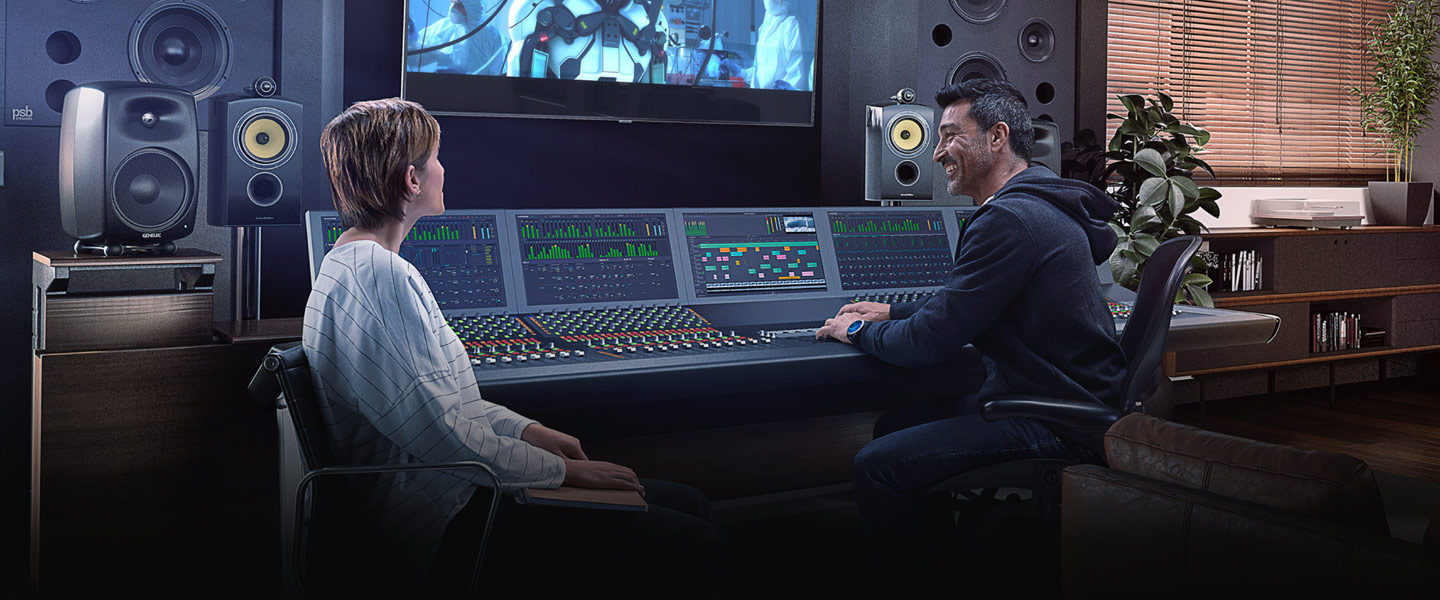
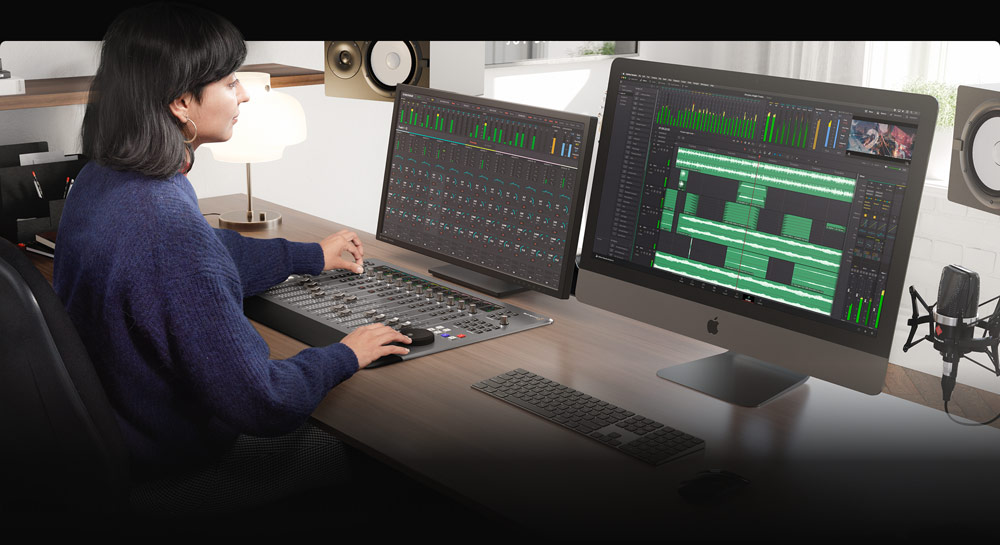
Desktop and advanced Fairlight surfaces bring faders, channel controls, and monitoring into the same Resolve project that holds picture and grade.
Scale from a compact desktop console to full mixing environments without exporting stems to another DAW. Learn More

Fairlight Desktop Console

Fairlight Desktop Audio Editor

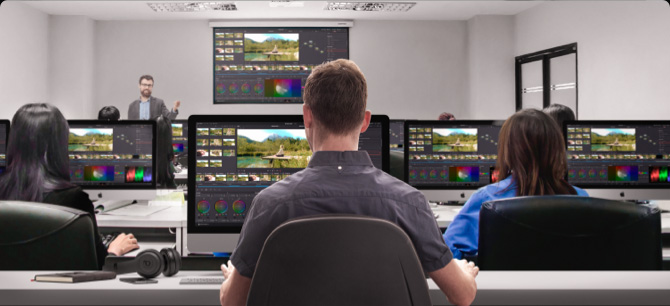
Free editing, color, Fusion, Fairlight, collaboration features, and HDR grading inside published limits — about Ultra HD at up to 60 fps for 8-bit focused workflows.
↓ Free Download Now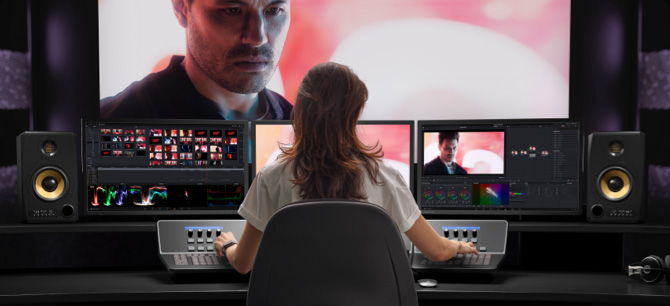
Neural Engine, extra Resolve FX, multi-GPU on Windows, higher frame rates and resolutions, and advanced AI tools with a $295 lifetime license.
🛒 Buy Online Now $295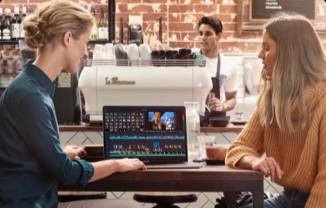
Full page suite for Windows with Cut, Edit, Color, Fusion, Fairlight, and Photo.
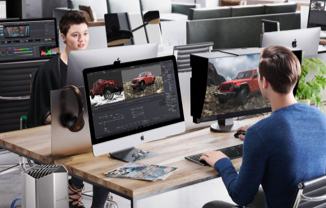
Neural Engine, multi-GPU, advanced FX, and higher resolution ceilings.
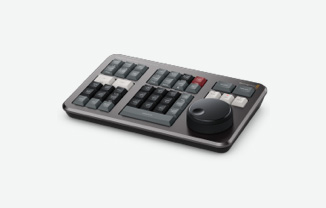
Includes large search dial in a design that includes only the specific keys needed for editing. Includes Bluetooth with battery for wireless use so it’s more portable than a full sized keyboard!
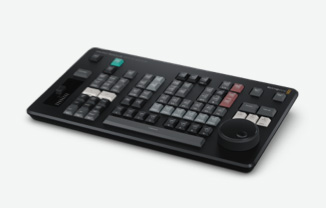
Editor panel specifically designed for multi-cam editing for news cutting and live sports replay. Includes buttons to make camera selection and editing extremely fast! Connects via Bluetooth or USB-C.
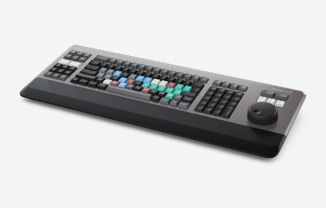
Full sized traditional QWERTY editor keyboard in a premium metal design. Featuring a metal search dial with clutch, plus extra edit, trim and timecode keys. Can be installed inset for flush mounting.
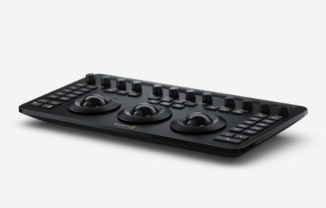
Powerful color panel gives you all the control you need to create cinematic images. Includes controls for refined color grading including adding windows. Connects via Bluetooth or USB-C.
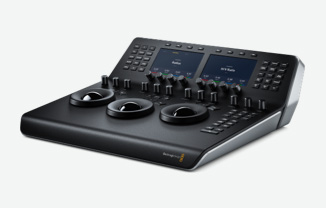
Portable DaVinci color panel with 3 high resolution trackballs, 12 primary corrector knobs and LCDs with menus and buttons for switching tools, adding color nodes, HDR and secondary grading and more!
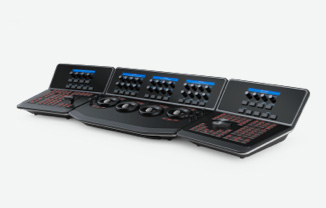
Designed in collaboration with professional Hollywood colorists, the DaVinci Resolve Advanced Panel features a massive number of controls for direct access to every DaVinci color correction feature.
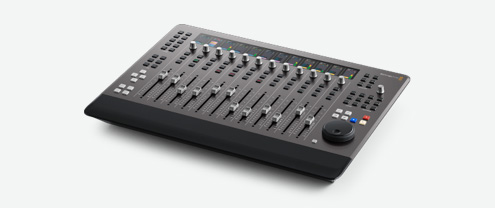
Portable audio control surface includes 12 premium touch sensitive flying faders, channel LCDs for advanced processing, automation and transport controls plus HDMI for an external graphics display.
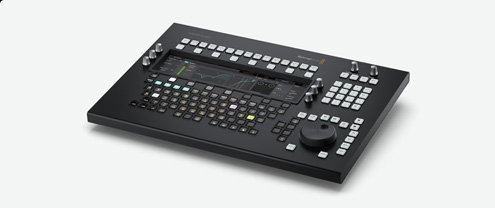
Get incredibly fast audio editing for sound engineers working on tight deadlines! Includes LCD screen, touch sensitive control knobs, built in search dial and full keyboard with multi function keys.
Used by Hollywood and broadcasters, these large consoles make it easy to mix large projects with a massive number of channels and tracks. Modular design allows customizing 2, 3, 4, or 5 bay consoles!
Large installers sometimes trigger SmartScreen until signatures propagate. We publish version, date, size, and SHA256 so you can verify the ZIP. Read the full policy on trust and security.
Published build data
21.0.4.5 · 6 Aug 2026 · 3.45 GB ZIP
Hash on download page
SHA256 listed for integrity checks
Honest Free vs Studio
UHD 60 fps free caps vs Studio Neural Engine
See version 21.0.4.5, system requirements, and SHA256 before you install.